
Seedance 2 image to video
Turn one image into a 5–15 second clip with native audio — or set a first and a last frame and let the model find the path between them.
On PetAndMe, Seedance 2.0 animates an image you upload as the first frame of the clip, so the subject, composition and lighting you approved are where the video starts. Add a last frame and the same request becomes a transition between two fixed states. Both modes run on Seedance 2.0, Seedance 2 Fast and Seedance 2 Mini, with sound generated alongside the picture.
Who this is for
- Pet owners animating a photo where the pet already looks right
- Owners turning a finished portrait into a shareable clip
- Creators making pet clips for social feeds
Why this is hard
Text-to-video redraws everything on every run: the coat shifts, the pose you loved never comes back, and it stops looking like your pet. When the photo is already right — the exact markings, the spot over one eye — what you need is motion that starts from that exact image, not another guess at it.
How PetAndMe solves it
Your image is frame one
Upload an image as the start frame and the clip opens on it. Describe only what should move — the camera, the subject, the background — and what must stay exactly as it is.
First and last frame for transitions
Add an end frame and Seedance 2 builds the motion between the two images: a before and after, a reveal, a change of angle. An end frame always needs a start frame.
Sound in the same pass
Native audio is on by default in both modes. Write the ambience and effects into the prompt, or switch audio off when the clip will carry your own track.
What you need to have ready
A start frame
One sharp photo of your pet in the aspect ratio you will publish. A pet-only photo is the safest start frame; avoid recognizable human faces in the picture.
An end frame, if the clip must land somewhere
A second image with the same aspect ratio, framing and lighting as the first.
The 3-step flow
Step 1
Upload the frame
In the video generator, pick a Seedance 2 model and add your image as the start frame, in the aspect ratio you will publish. Add an end frame if the clip has to land on a specific image.
Step 2
Describe the motion and the sound
Say what the camera does, what moves in the scene and what stays rigid, then the audio. End with what must not happen: no cuts, no new objects, no text changes.
Step 3
Draft, check, then finish
Draft in Fast or Mini at 720p and compare the first frame with your image. When the motion is right, render the keeper in Seedance 2.0 at 1080p or 4K.
Recommended tools
The PetAndMe surfaces this use case routes into.
What the output looks like
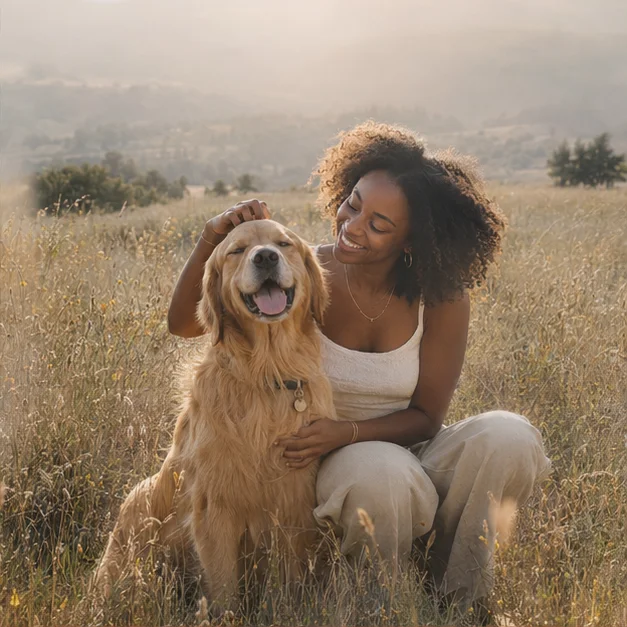
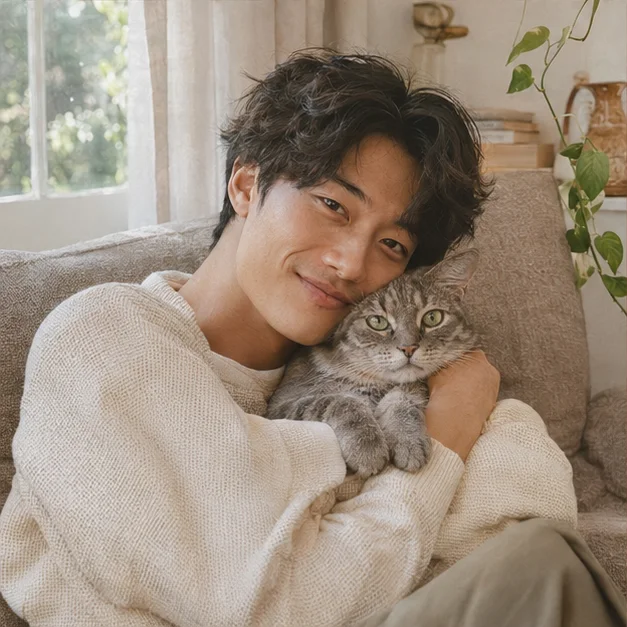
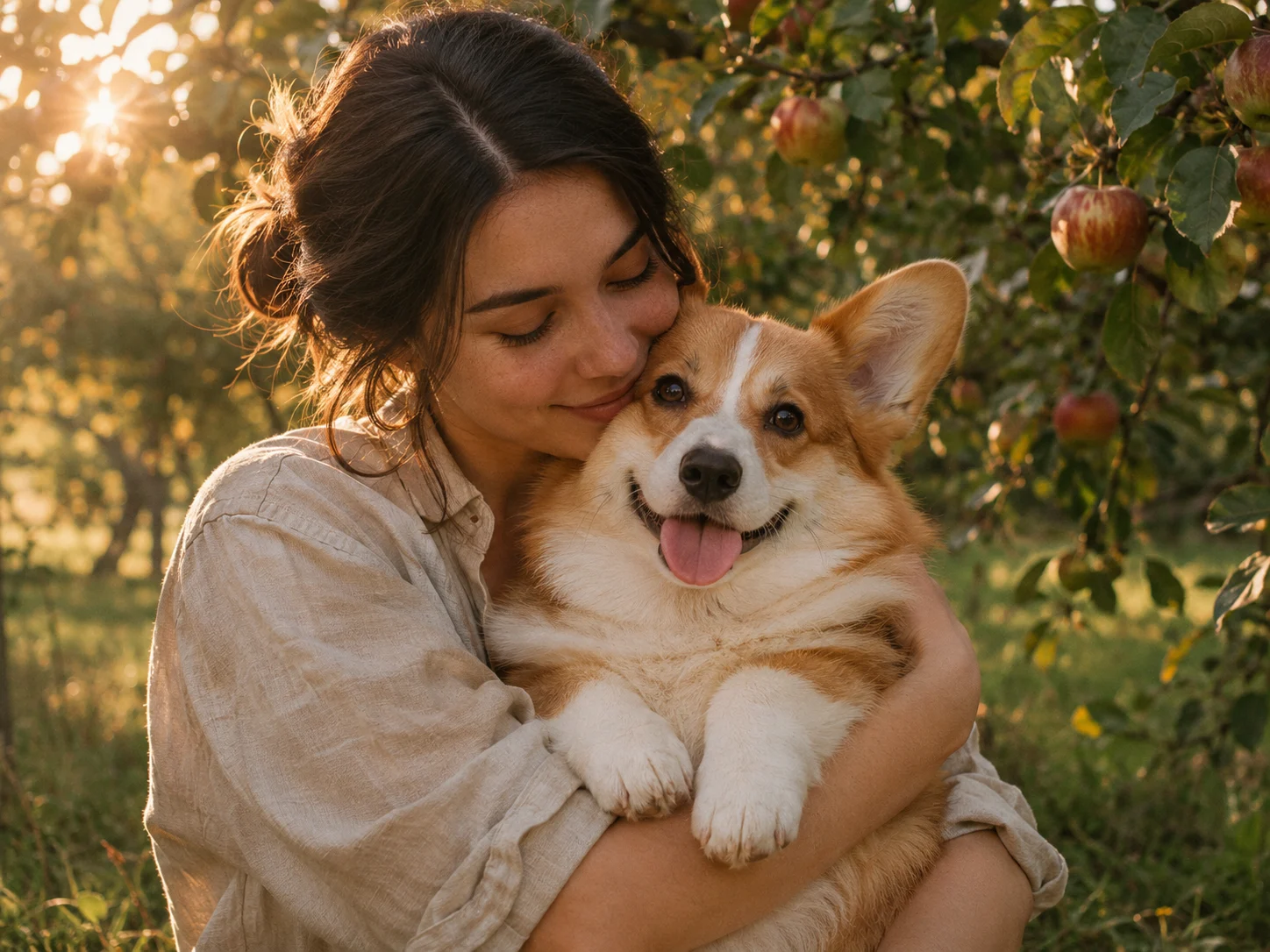
Generated in PetAndMe. Your results will differ with your own reference, prompt and settings.
FAQ
Does Seedance 2 support image to video?
Yes. Seedance 2.0, Seedance 2 Fast and Seedance 2 Mini all take a start frame, and all three also take a start and end frame together. Clips run 5 to 15 seconds, or 4 to 15 on Mini.
Can I combine a start frame with reference images?
No. A Seedance 2 request runs on frames or on reference images, not both. Use a start frame when the clip must open on an exact image, and reference images when a subject has to stay consistent across a new scene.
Why was my start frame rejected?
In our own test runs, Seedance's content review rejected start frames that show a recognizable face, AI-generated faces included. The review targets human faces; pet-only photos have not been rejected in our tests. If your portrait includes your face, frame from behind or keep the face out of the first frame. A rejected run fails, and its credits are returned automatically.
How many credits does an image-to-video clip cost?
Seedance 2 is quoted per second of video, and the generator shows the exact credit cost before every run. Fast and Mini cost roughly half as much per second as Seedance 2.0 at 720p; both are estimated rates.