
KI-Porträts und Videos mit Haustieren
The two of you. In one frame.
Turn two separate everyday photos of you and your pet into one natural AI portrait. Then bring a favorite moment to life as a short vertical clip.
- Separate photos work
- Preserves face & coat markings
- 109 curated styles
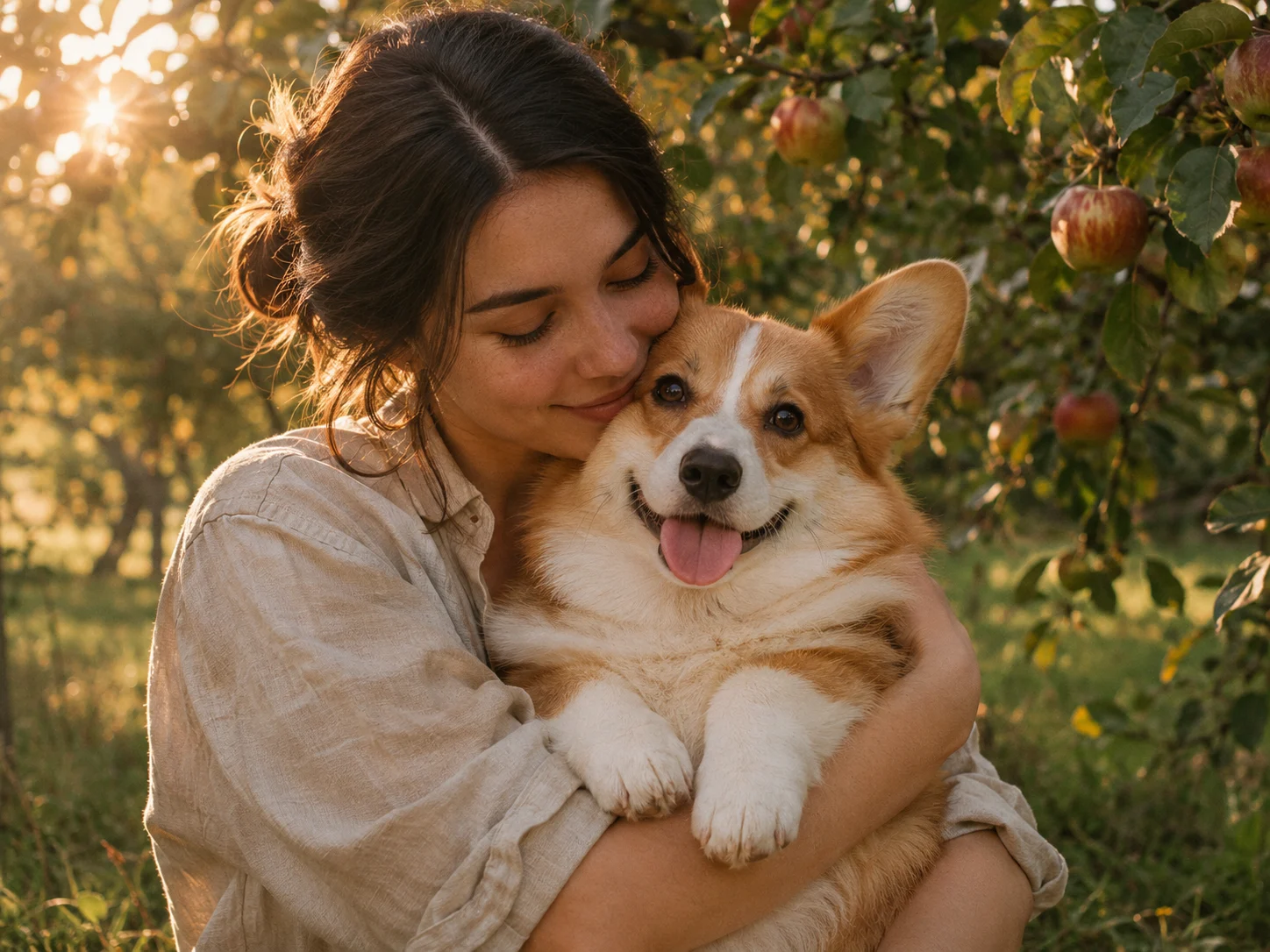 Frame · 3:4
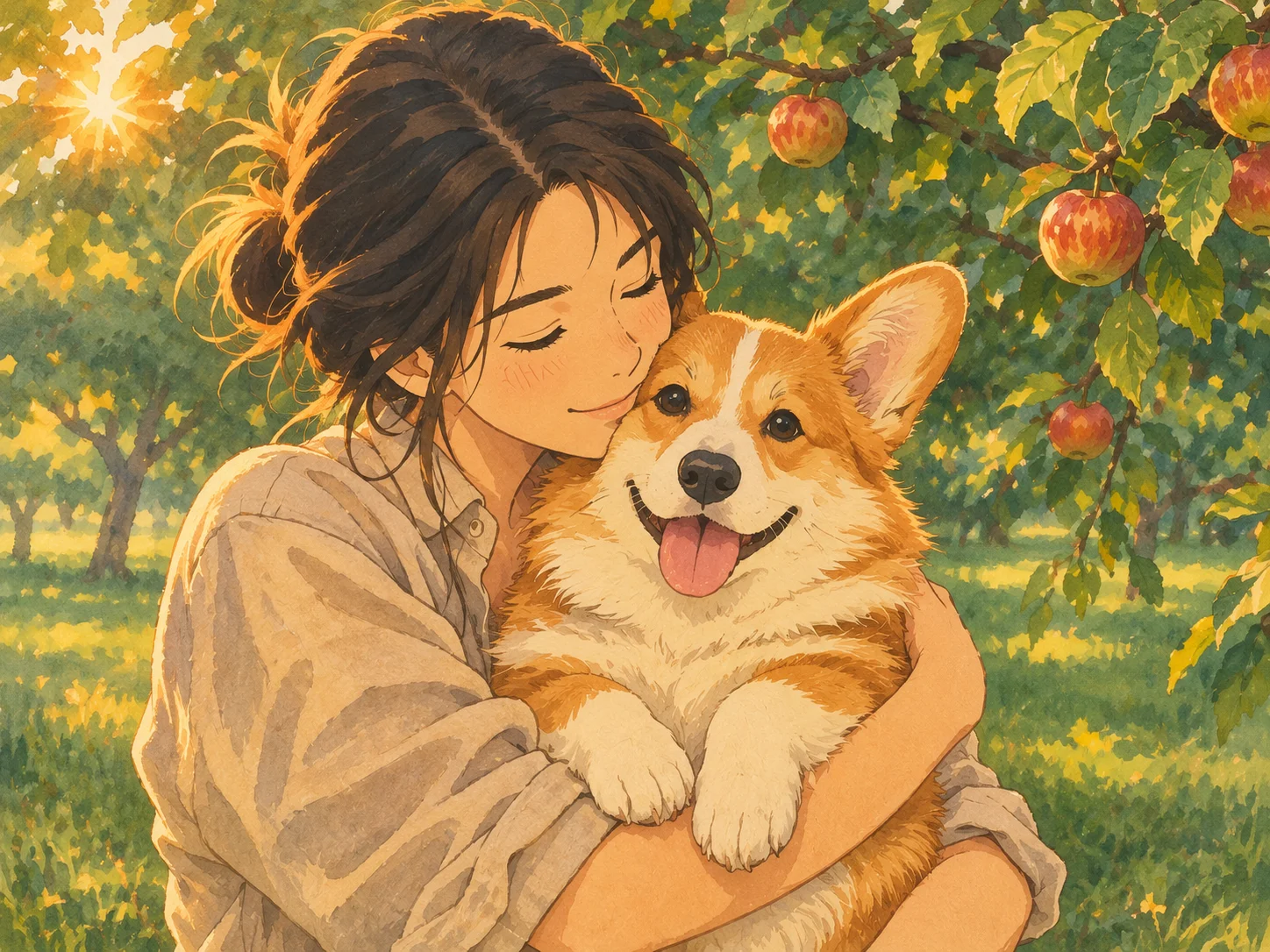
Identity consistency
Same moment, two ways
The same two reference photos can become a candid 35mm photograph or a warm hand-painted film still — keeping both of you recognizable either way.
- Recognizable owner expression and natural features
- True-to-life pet coat markings, ears, and proportions
- Relaxed embrace with natural hands and paws
Portrait templates
Find your portrait template.
Preview a look for you and your pet. Start with its prompt and suggested frame, then add your own photos.
Browse all 109 templates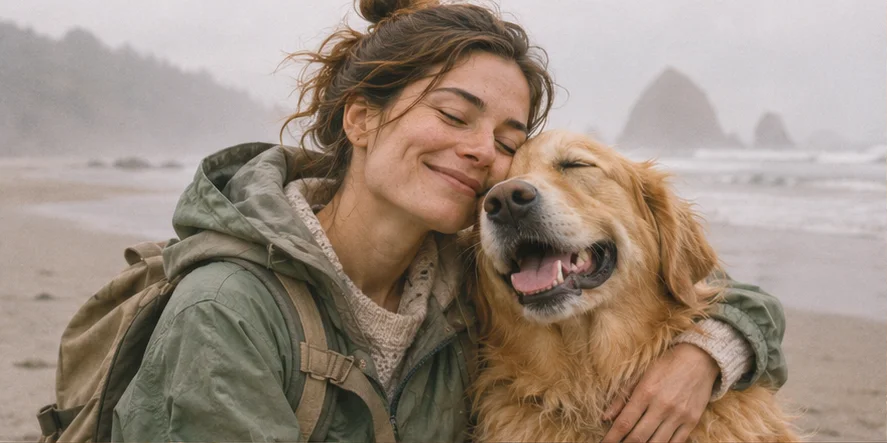 Morning by the seaSea mist, a soft breeze, and a quiet moment together.
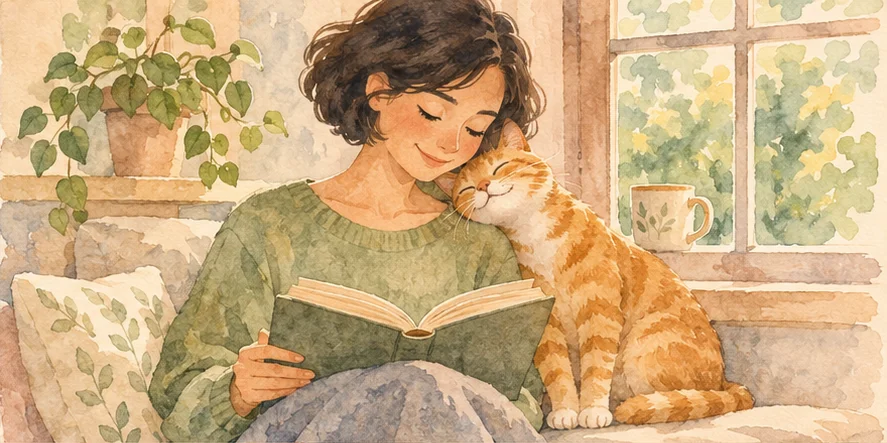 Window-seat watercolorA quiet reading nook on warm, textured paper.
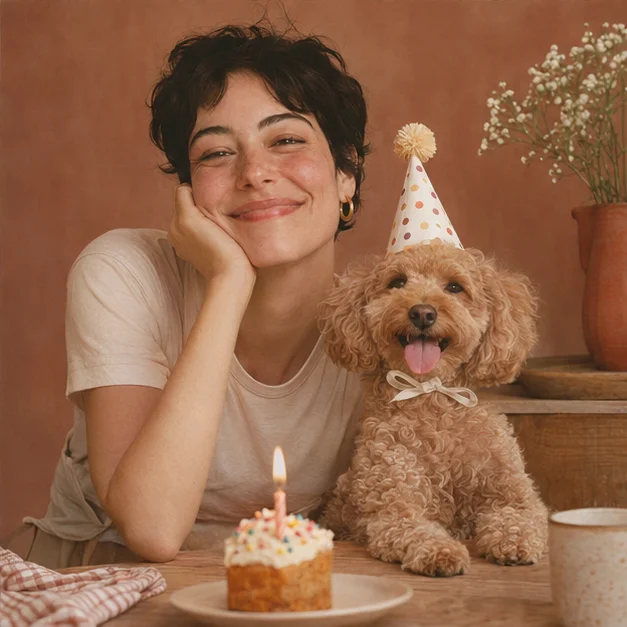 Birthday togetherA little celebration with your favorite guest.
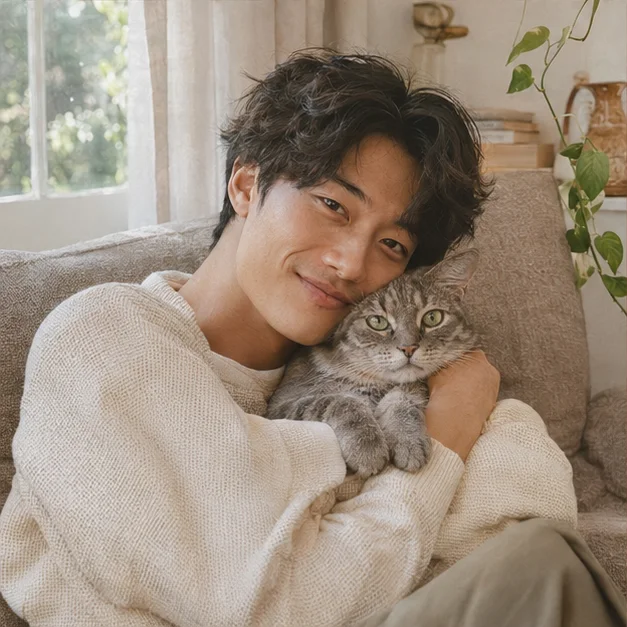 Sunday at homeWindow light and a familiar spot on the sofa.
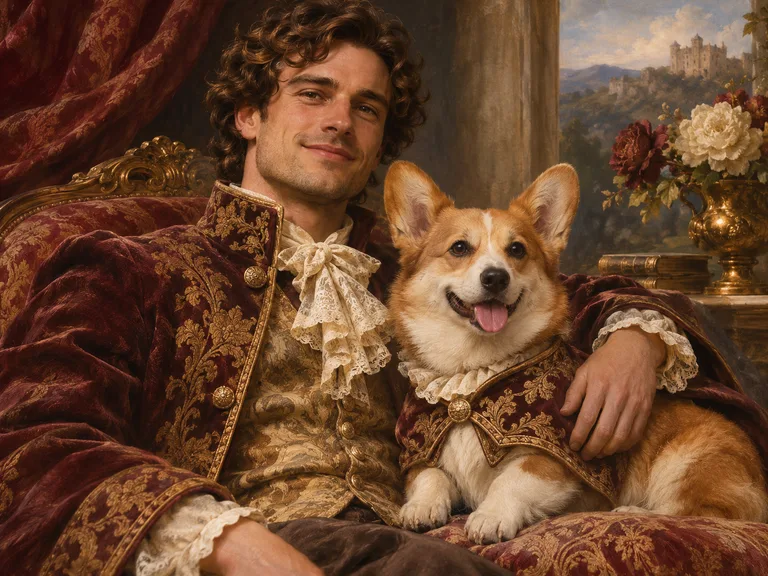 The paired court paintingPaint the pair in coordinated courtly attire, with restrained brocade, warm oils and a dignified relaxed pose.
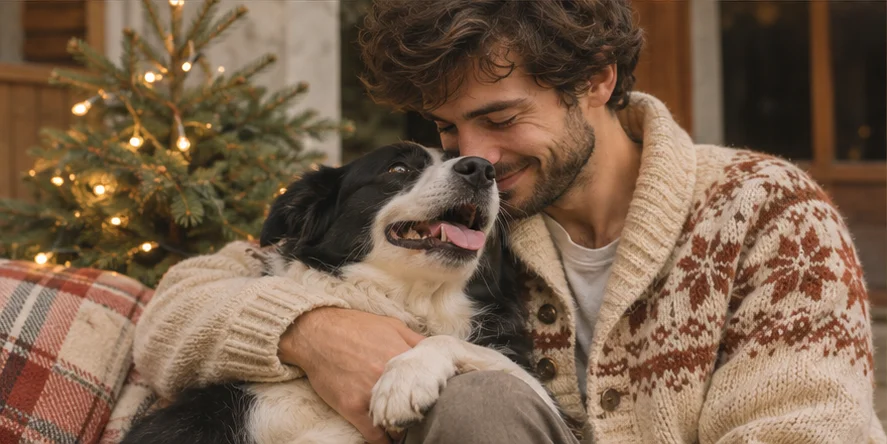 Winter lightsSoft string lights and a quiet winter evening at home.
Photo to video
Let the moment move.
Start with a portrait you made here or a favorite photo from your camera roll. Use it as the starting frame for a short clip.
How it works
From your camera roll to a shared moment.
- 2 separate photos
Add your photos
Add clear, well-lit photos of you and your pet as references. Separate photos work.
- 109 ready styles
Create a portrait
Describe the scene you want or start with one of the prompts above. Save the portrait you like.
- Gentle 9:16 motion
Make it move
Add your chosen image to the video generator and describe a small movement, like a head tilt.
Good to know
Common questions before you start.
Do I need a photo where my pet and I are already together?
No. Separate everyday photos work well — upload one clear photo of you and one of your pet, and PetAndMe composes you naturally in the same scene.
How do I make sure it looks like my pet?
Use sharp, well-lit photos where your face and your pet’s face, ears, and coat markings are easy to see. Eye-level shots with little motion blur give the most recognizable likeness.
How do credits and pricing work?
You can start with available signup credits or purchase credit packs and plans on the pricing page. Every generator shows the exact credit cost before you run it.
How are my uploaded photos handled?
Your reference photos are used to generate your portraits and clips under our published privacy policy. You can manage or remove saved creations from your workspace anytime.
Ready to frame the two of you?
Start with two everyday photos from your camera roll. See exact credit costs before every portrait or short clip.