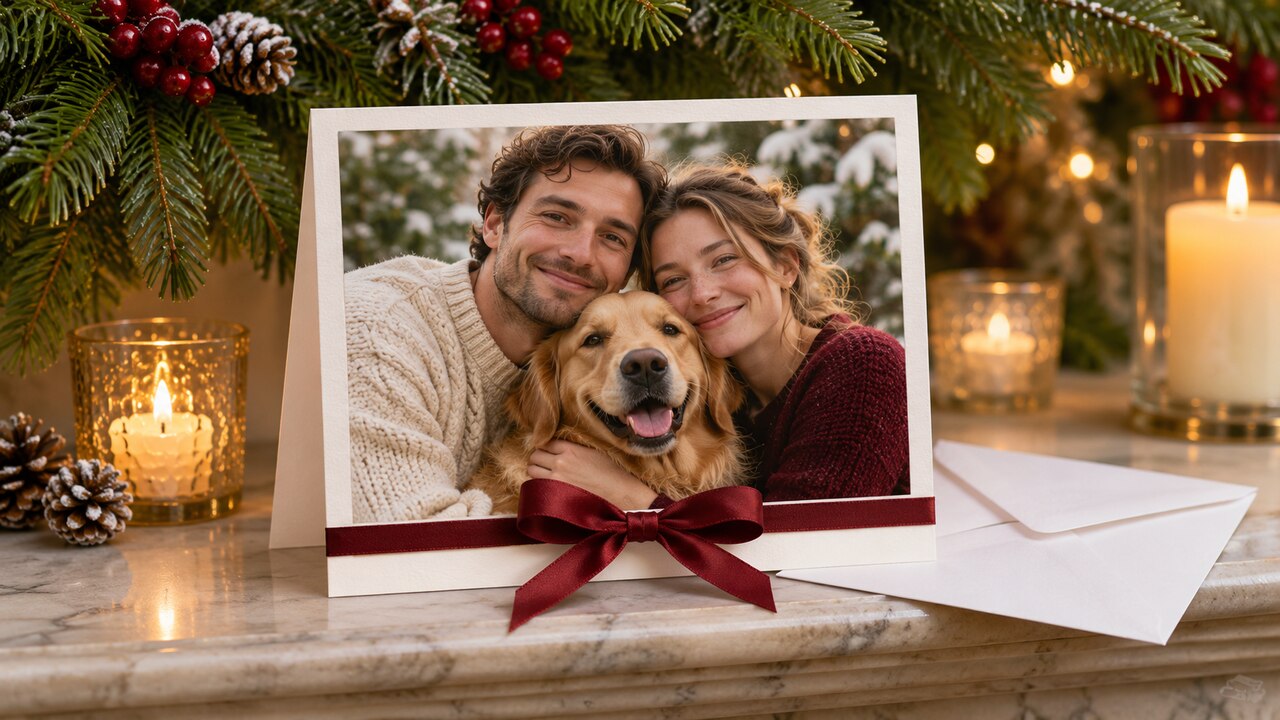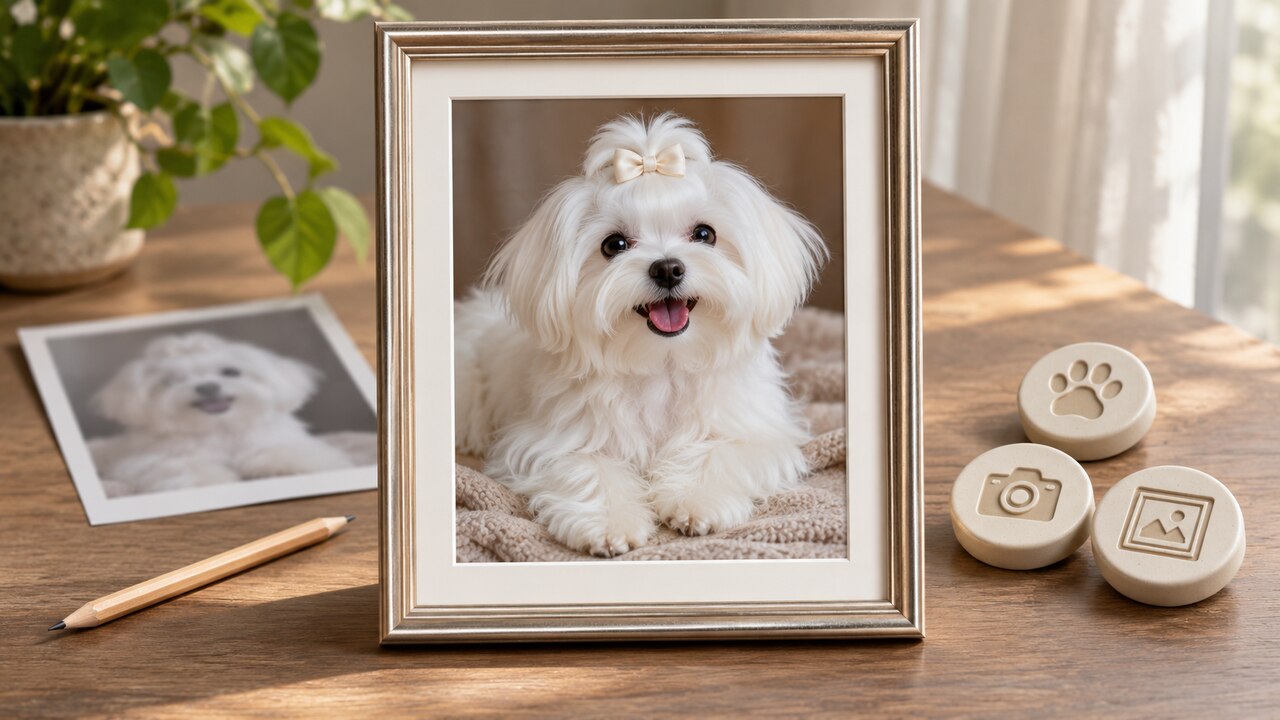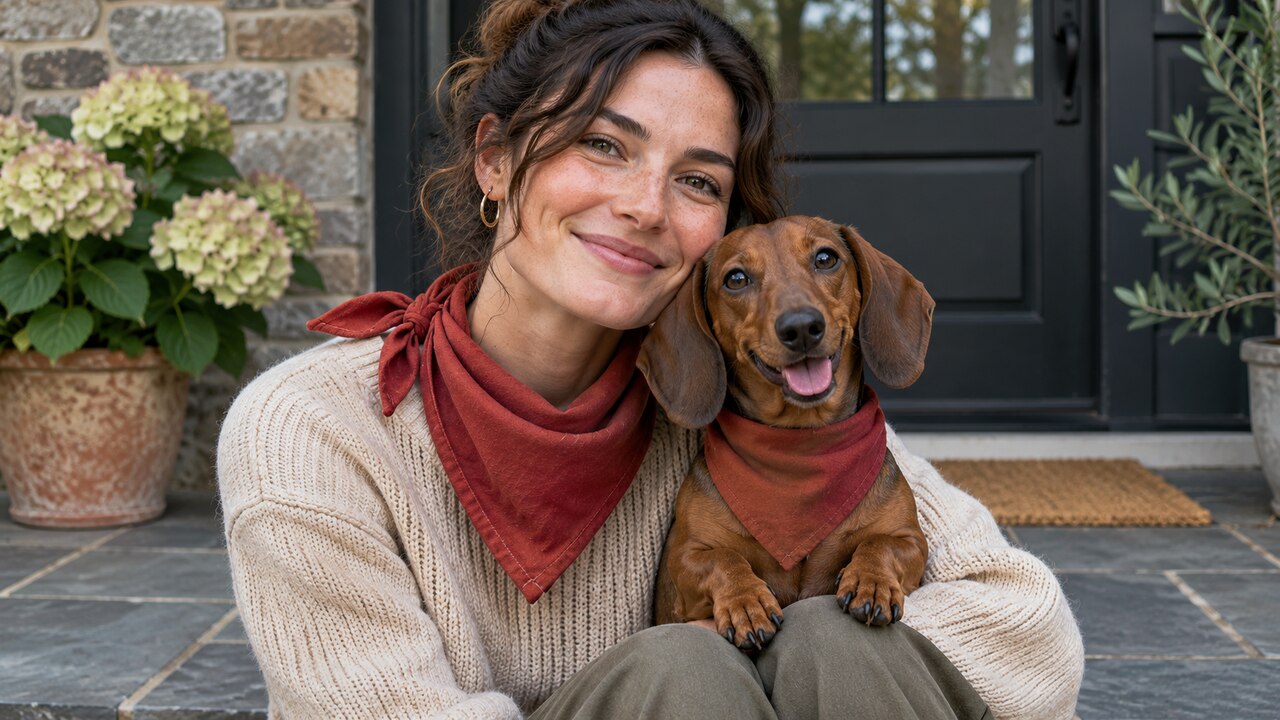
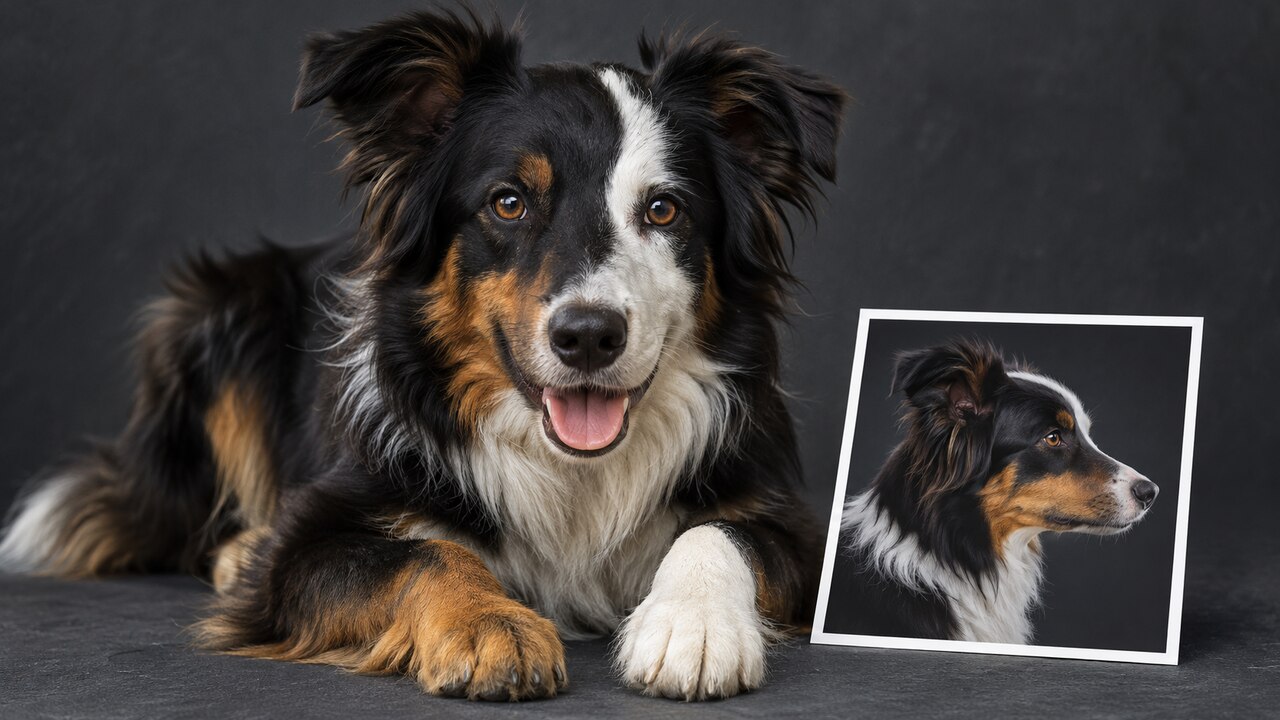
Ask an owner how they'd know an AI portrait was of their pet and the answer is rarely "the breed" — it's the markings. The white blaze. The socks on the front paws. The patch over the left eye. Markings are how everyone recognizes the animal, which makes them exactly the thing worth protecting when you generate images.
The good news: models hold markings well when they're given half a chance. This guide is the two halves of that chance — the reference photo and the prompt — plus the sixty-second check that catches drift before you accept a result.
Why markings drift in the first place
A model doesn't copy your reference photo; it re-renders your pet in a new scene, reconstructing the coat from what the reference shows and the prompt says. Drift happens when either channel is vague:
- The reference doesn't show the pattern fully — a face close-up says nothing about socks; a curled-up cat says nothing about the tail.
- The prompt doesn't name the markings, leaving the model to average "a calico" instead of your calico.
Fix either one and most marking errors disappear. Fix both and you can generate a whole series where every image is unmistakably the same animal.
Choose references that show the whole map
The highest-value reference for markings is the one most owners skip: a full-body side-on photo in even light. It records the complete pattern — face, chest, back, all four legs, tail — in a single frame the model can read at a glance. Add a face close-up for expression, and a detail shot of the most distinctive marking.
Lighting honesty matters more than usual here: if a photo's shadow swallows half the coat, the model inherits the gap. The reference photo guide covers the full checklist.
Name the markings in the prompt — precisely
Write the markings into the prompt as if describing your pet to someone who must pick them out at a park:
- "Black and white tuxedo cat: white blaze narrowing from nose to forehead, white chest and belly, white socks on all four paws, black tail with white tip."
- "Golden retriever with a small white patch on the chest, feathering on the legs, darker ears."
Three rules of thumb:
- Locations, not adjectives. "White patch over the left eye" (the pet's left — pick one convention and keep it) beats "cute white spots".
- Every marking you'd notice in person, not every hair. Five or six specifics is usually the whole map.
- Same words across a series. If you're making several portraits, copy the markings sentence verbatim between runs. Consistent input is consistent output.
The sixty-second markings map check
Before accepting any result, open your reference photo next to it and walk the map: face — chest — front paws — back paws — tail tip. That's the order most errors appear. A sock on the wrong paw or a blaze that shifted sides is invisible from memory and obvious side-by-side.
If something drifted, don't rerun blind — add the specific correction to the prompt ("keep the white sock on the front-left paw only") and keep everything else the same. The expectations guide has the fuller review checklist; markings are simply its highest-yield line.
Carrying markings into video
The most reliable way to keep a pet recognizable in a short video is also the simplest: start from an approved still. Render the portrait until the markings pass the map check, then use that image as the starting frame in the video generator — the clip then begins from markings you already verified, instead of hoping a text-to-video run lands them. We use the same principle on the character consistency page.
Frequently asked questions
Two of my pets have similar coats. Can the model tell them apart?
Only if you help it: separate reference sets, and prompts that name the difference — "the older one has the white tail tip" — beat a combined reference dump. Generate them together only after each is recognizable alone.
My pet changed coat with age (kitten fluff, seasonal coat). Which do I use?
Whichever you want the portrait to show — that's a choice, not a technicality. Use references from that era and describe the coat in the prompt; the model follows the references, not the birth certificate.
Why do markings stay right in some runs and slip in others?
Because each run is a fresh render from the same inputs. The fix isn't more luck — it's more signal: a fuller reference, a more specific prompt, and the map check to catch the near-misses worth keeping.