Your feed already contains generated pets. Most are harmless — a charming corgi in a costume that happens not to exist — but the skill of telling real from generated is quietly becoming ordinary media literacy, the way spotting a Photoshopped waistline once was. Here's the pet-specific field guide.
The irony isn't lost on us: we make generated pet images, and we'd still rather you could tell. Every image we produce is a render, and knowing the tells makes you a better judge of everything — including your own results.
The tells that actually work
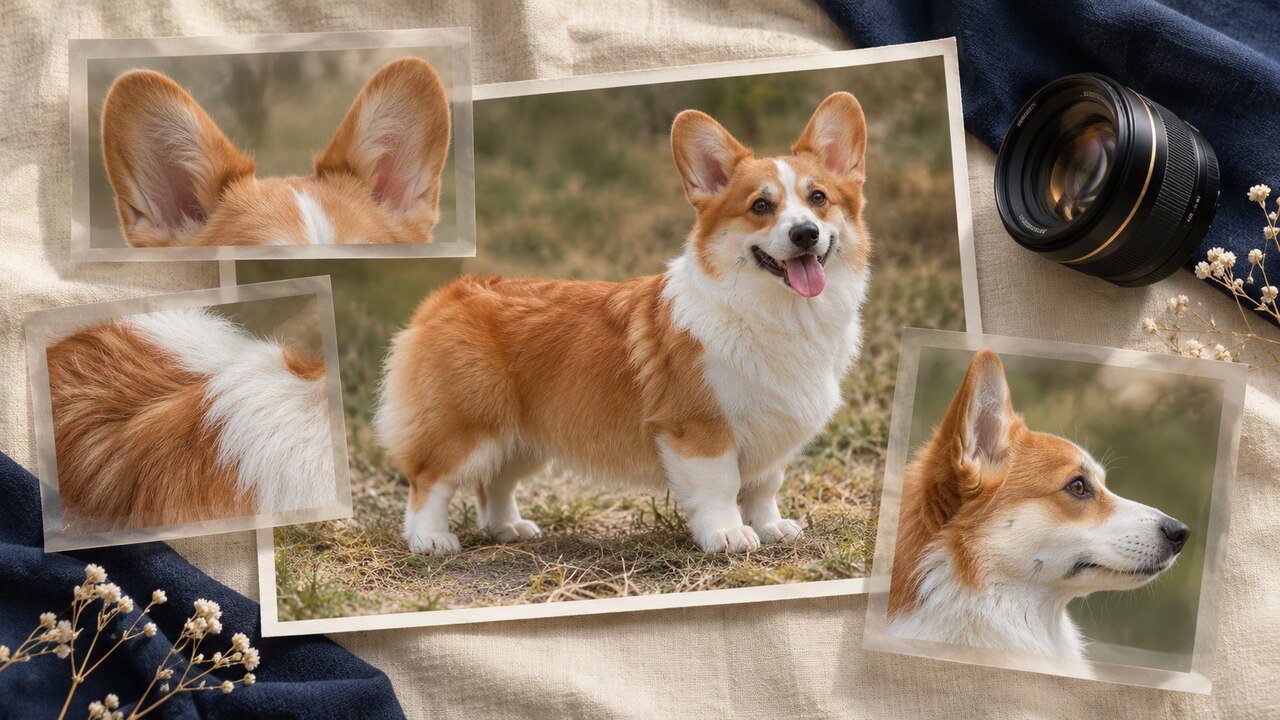
- Markings that break symmetry or continuity. Follow the blaze from nose to forehead: on a real animal it's one continuous shape; renders sometimes shift it at the eyes. Socks that change height between legs are the classic.
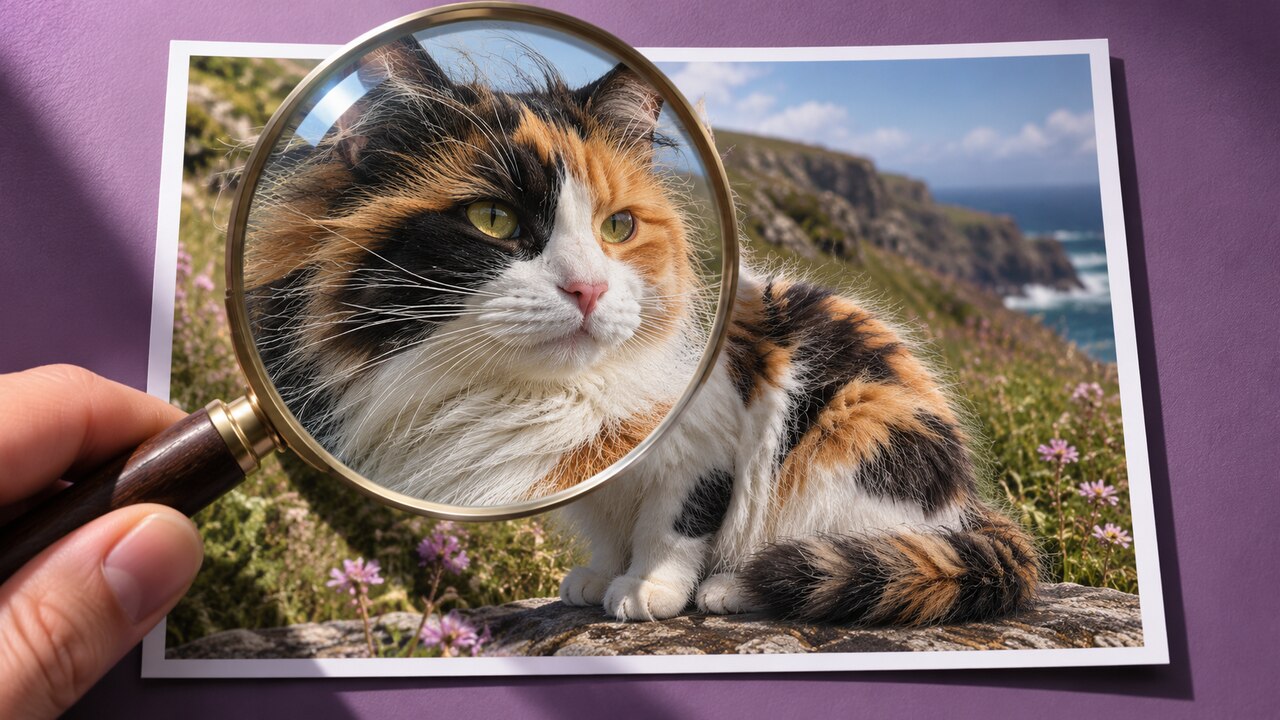
- Whiskers and eyelashes. Count them. Real cats have a consistent set per side; models routinely render different counts, doubled whiskers, or eyelashes on a dog that shouldn't have prominent ones.
- Fur physics. Real fur responds to one wind. Generated fur can ripple in conflicting directions, or move against a body that's still — the same tell as overdone motion in video.
- The background's blur gradient. Portrait-mode blur that's too perfect — identical softness on a near leaf and a far one — or a depth falloff that doesn't match the subject's distance.
- Text and tags. Collar tags, signage, anything with letters: generation mangles text reliably. A gibberish tag on an otherwise lovely portrait is a fingerprint.
- Contact points. Where a hand meets the coat or the ground meets the paws — pressure, shadow and fur compression are subtle physics, and subtle physics is where renders relax.
The tells that don't work anymore
- "It looks too perfect." Good phones and good light produce flawless real photos; renders can also look ordinary. Perfection is not evidence either way.
- "The eyes look weird." Real photos catch odd catchlights and red-eye; renders now do eyes rather well. Useless as a standalone tell.
- Reverse image search. It finds copies, not generation. A one-of-a-kind render returns nothing, which proves nothing.
What honest AI practice looks like
As a company that generates pet images, our position is simple: the tool should never pretend to be a camera. That means honest expectations about likeness, no fabricated "this was my rescue dog" framing in our own marketing, and a product where you always know which images are yours and which are renders. The point of generation is a portrait of your actual pet — the fun is real, and so is the animal.
Frequently asked questions
Can AI detectors do this for me?
Unreliably. Public detectors produce both false positives (real photos flagged) and false negatives (renders passed), and improve about as fast as the generators do. Your eyes, applied to the list above, are currently the better instrument.
Why do generated pets look so convincing overall?
Because fur and body proportions are patterns models learned extremely well — pets are, in that sense, easier to render convincingly than hands. The tells that remain are in fine detail and physics, not in the overall impression.
Is a generated pet photo dishonest?
Not inherently — a labeled portrait of your real pet in an imagined orchard is a creative artifact, like a painting. The dishonesty would be presenting a render as a documentary photo, which is why labeling and provenance matter more than the generation itself.