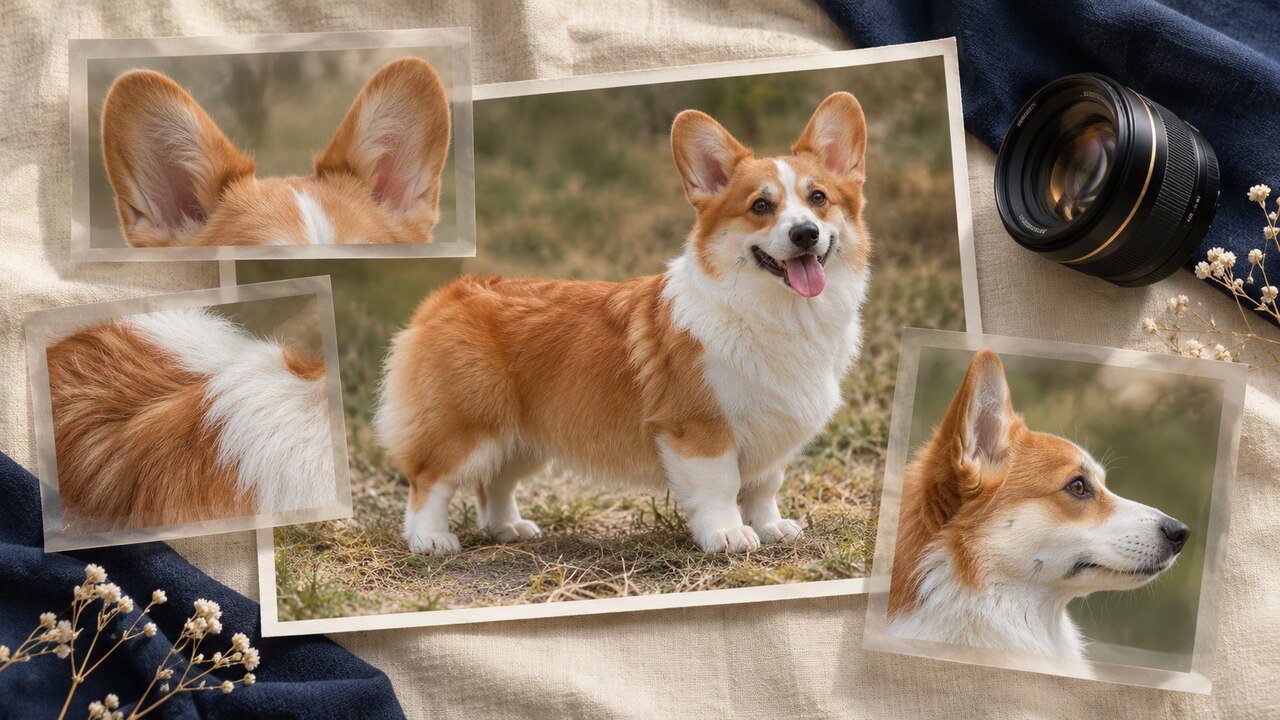
You upload a photo of your dog. Thirty seconds later there's a portrait of you and her in an orchard that never existed. What happened in between isn't magic and isn't copying — and understanding it in plain language will make every result you get easier to judge and easier to improve.
What the model actually does with your photo
An image model is, at bottom, a system that has studied an enormous number of images until it learned the statistics of how images look — fur, shadow, faces, grass, the way a body folds when it sits. When you generate, it builds a new image pixel by pixel, guided by everything it learned, weighted by your prompt, and — when you supply references — weighted by what it extracts from them.
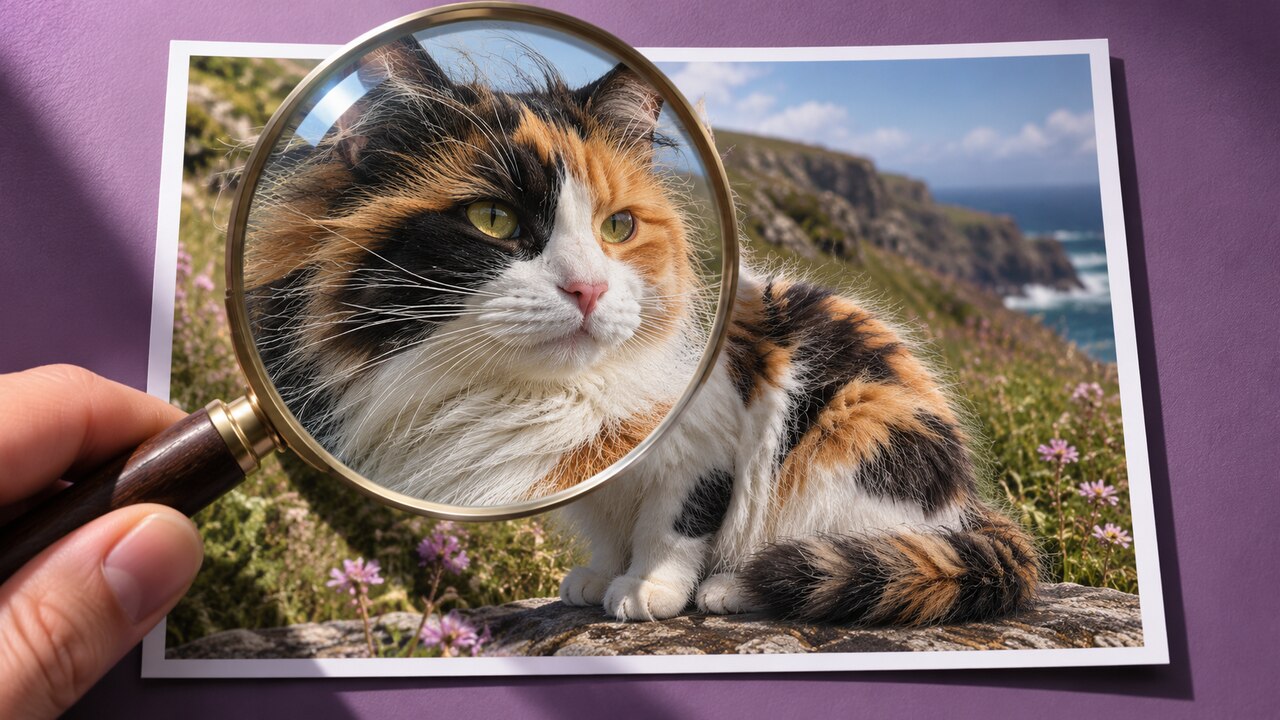
From your dog's photo it doesn't retrieve "a file on Bella." It extracts a description: shape of muzzle, coat color and pattern, proportions, the way her ears sit. That description then biases the render, the way a brief biases an illustrator. This is why we say references guide, they don't copy — and it explains the three behaviors owners notice most:
- Two runs of the same request differ slightly. Each render starts fresh; the guidance is the same, the dice are not.
- A clear reference beats a flattering one. The model can only extract what's visible. Sharp, evenly lit, full markings — the reference guide — gives the description more to work with than any artistic blur.
- Styling can pull against likeness. A painterly style abstracts exactly the fine detail that makes a face yours. That's a trade you choose, not a defect — the styles guide maps it.
Why the prompt matters when you already gave a photo
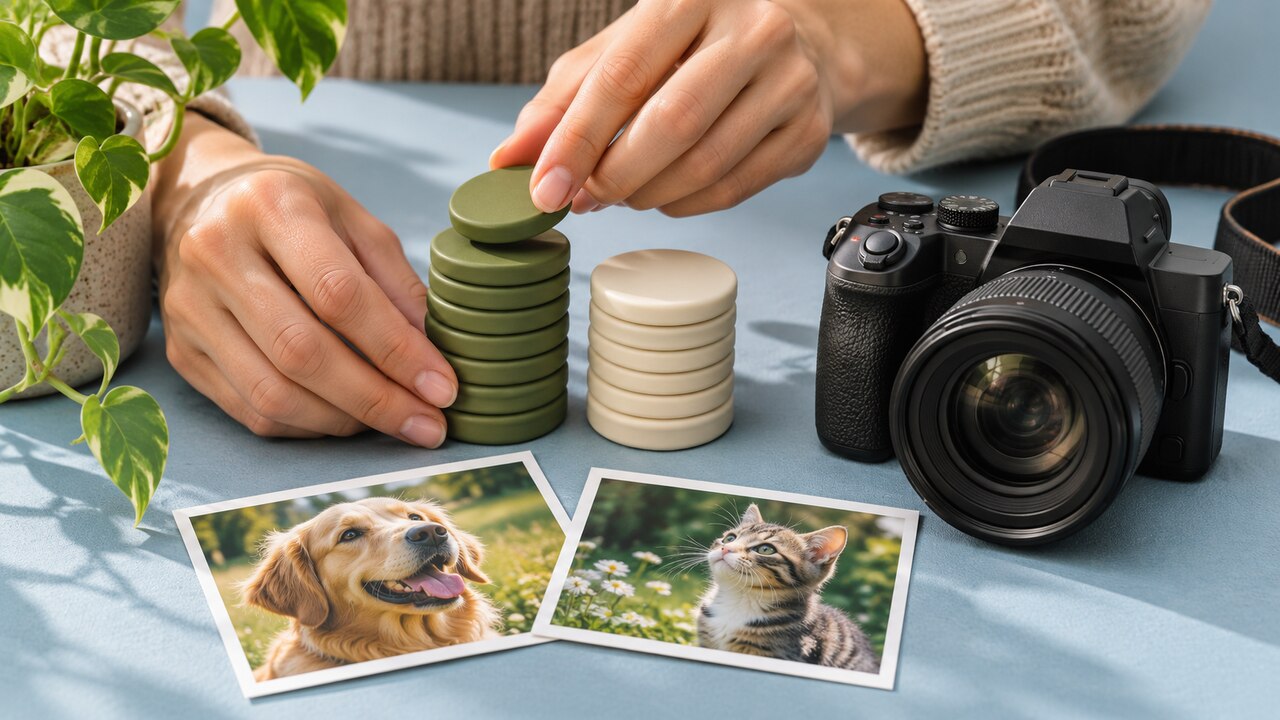
Because the prompt and the reference speak in different channels. The reference shows what is true — the markings, the muzzle. The prompt declares what matters — "the white socks on all four paws" tells the render which parts of the extracted description to protect hardest. Named in both channels, an identity detail survives most runs; carried by the photo alone, it survives some. That division of labor is the core of the markings method.
Why models differ from each other
Different training, different architectures, different size — which in practice means each model family has its own texture: one renders fur more faithfully, another handles poses more reliably, a third is faster and cheaper for drafts. The catalog's models page lists who's live; the honest way to choose is one small comparison run, since the quote is shown before you spend (credits explained).
What this means for your expectations
The right mental model: a very fast illustrator with an excellent memory for patterns and no memory of your specific pet — who reads your references carefully every single time. Give that illustrator good reference material, clear instructions about what must stay true, and a couple of rounds of feedback, and you get portraits like the ones in the how-to guide. Skip the feedback loop and you get what any first draft is: close, and worth revising.
Frequently asked questions
Does the model store my pet after generating?
No persistent "memory of your pet" is how these systems work — identity lives in your reference photos, which stay in your account, and re-enters each run only when you supply them again. The data-handling rules are in our privacy policy.
Why did my pet's markings survive ten runs and vanish in the eleventh?
Because each run is a fresh roll of the same dice. The fix isn't luck — it's adding the missing marking to the prompt so it's protected in every roll.
Do bigger or newer models always render pets better?
They differ more in speed, cost and style than in raw "pet skill." A sharp reference and a specific prompt outperform a model upgrade for identity; models earn their price on resolution and reliability.