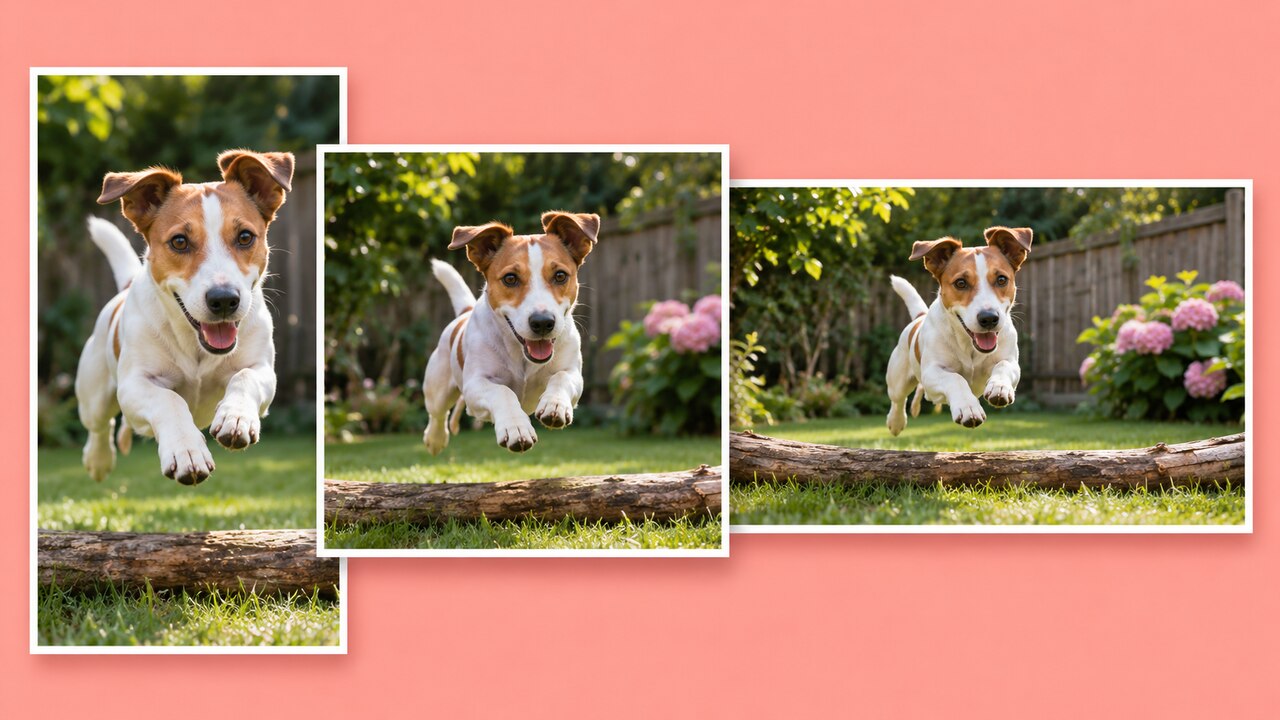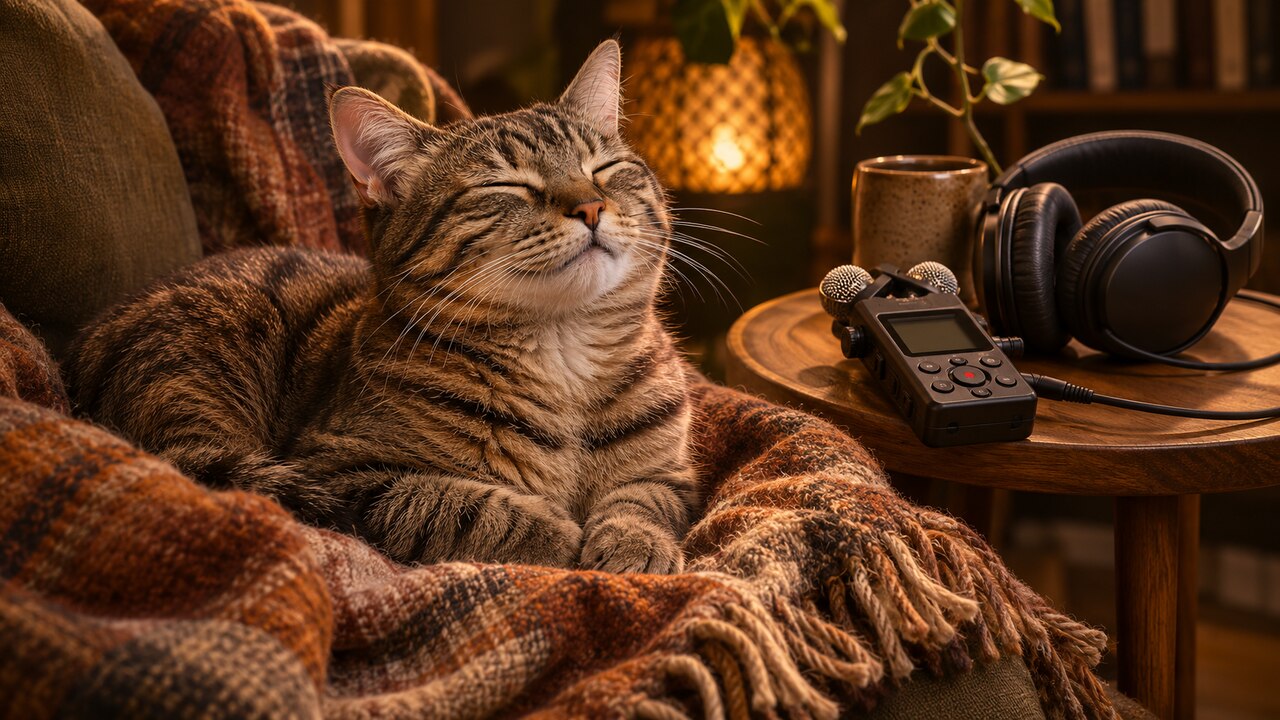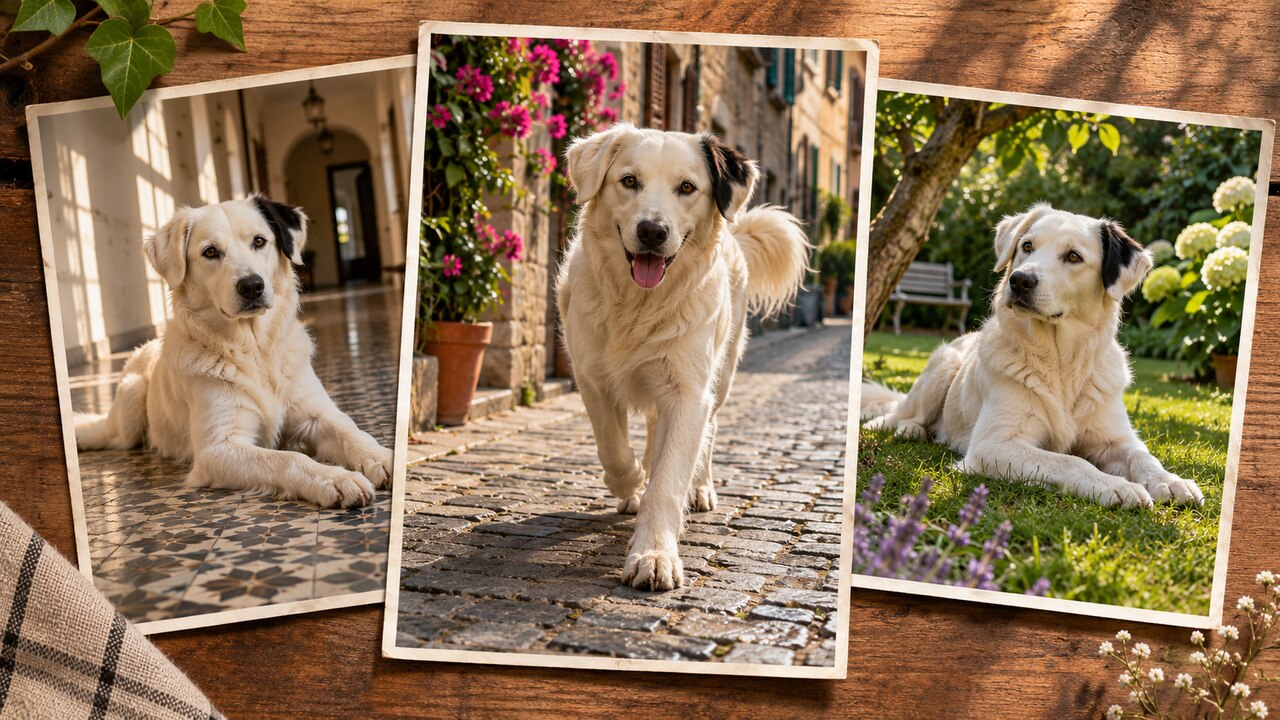
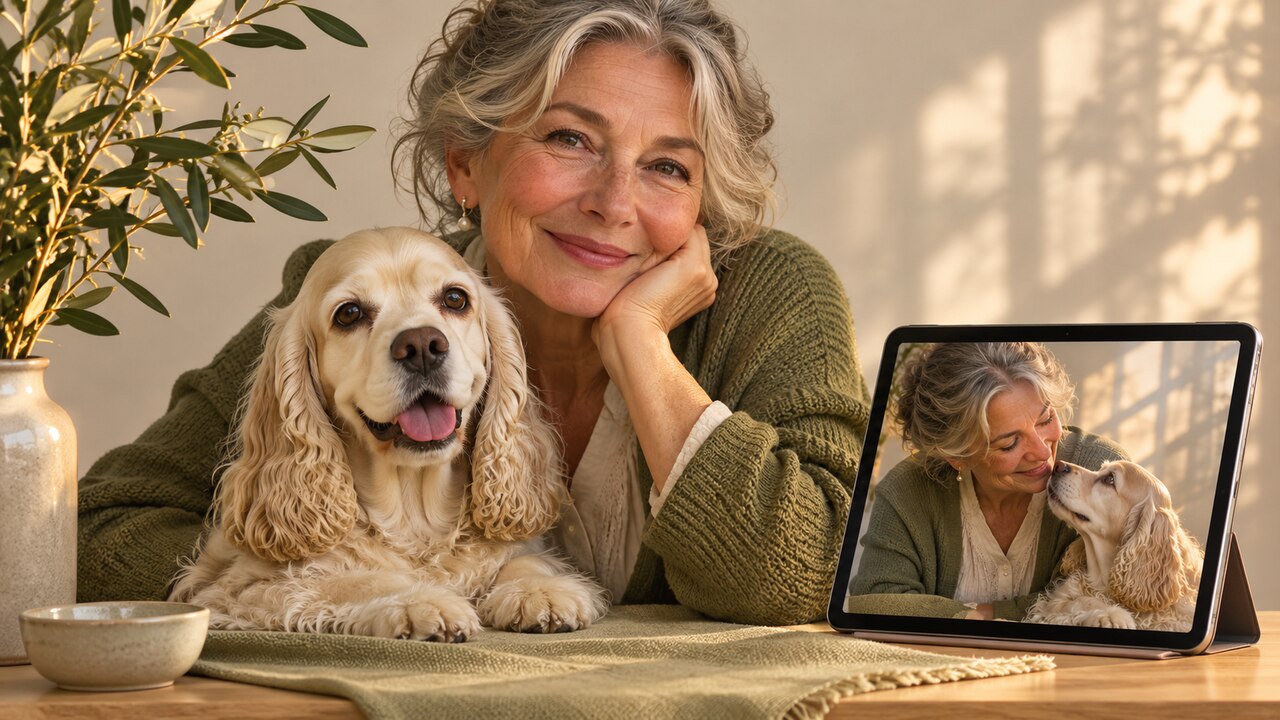
You made the portrait. It passed the likeness check — your face, your pet's markings, both of you natural in a scene you chose. And now you keep thinking: I wonder what it would look like if it moved.
That instinct is the intended second half of the flow, and the portrait you already approved is not just a candidate for animation — it's the best candidate. Here's why, and how to do it well.
Why an approved portrait beats a fresh photo
- Identity is already verified. You checked the markings, the face, the pose. Animating it means the clip starts from truth instead of hoping a video run lands it — the same principle as the markings guide, applied to video.
- The composition is deliberate. A portrait was composed; a snapshot was taken. Motion reveals composition — the space where the tail will wag, the light where the fur will catch it.
- Nothing to redo. If the motion misses, you rerun the motion. The identity can't drift, because it's locked in the frame.
The three prompt lines
Animating an existing image takes less prompt than making one, because the picture already said the scene. Three lines do the work:
- One motion, small and physical: "the dog's tail wags slowly; the cat blinks once and settles". Pick from the twelve motion ideas — restraint is the rule.
- One atmosphere cue: "a gentle breeze moves the fur and the grass".
- One guardrail: "no cuts, no new objects; the markings and faces stay unchanged".
Then the usual loop: draft at 720p in the cheaper tier, watch it against the portrait, adjust one line, render the keeper at final quality. The full walkthrough — including the start-frame face rule and sound — is in the photo-to-video guide.
One honest warning about faces
In our test runs, content review rejected start frames showing a recognizable human face — including AI-generated faces. A finished owner-and-pet portrait usually contains yours, which means the safest animation paths are: a pet-only crop of the portrait, a framing where your face is in soft focus or turned, or a portrait variant composed face-free. It's a real constraint of the pipeline, not a bug in your portrait — and pet-only frames were never rejected.
Where the clip goes next
Vertical for the feed, square for messages — the sizes guide — five to ten seconds, sound on with one small subject sound. A portrait that took an evening to perfect becomes a moment that takes one more run to breathe.
Frequently asked questions
Do I animate the downloaded file or keep it in the generator?
Either works — upload the downloaded portrait as the start frame of a new video run, exactly like any photo. Full-resolution downloads are made for this.
Will the clip look exactly like the portrait?
The first frame will be your image; from there, fur and detail breathe slightly with the motion. Faces and markings hold well precisely because they're baked into the frame rather than re-imagined.
Which portrait styles animate best?
Photographic styles (studio, cinematic) animate most naturally — they have real light and texture to move. Painterly styles animate into a living painting, which is a lovely effect and a deliberate one; illustrated styles move like animation. Choose with the styles guide open.