If you've looked into animating a pet photo, you've met Kling — its image-to-video mode is one of the best-known ways to turn a still into a clip, and a lot of the tutorial vocabulary around "first frame", "motion strength" and "camera control" comes from that world. This guide explains how the approach works for pet photos in general, and then the part that matters to you practically: how to run this exact job on PetAndMe today, where the live models are the Seedance 2 family.
Status, stated plainly: Kling is not currently available on PetAndMe — the models you can generate with today are Seedance 2, Seedance 2 Fast and Seedance 2 Mini. Nothing below asks you to pretend otherwise.
How image-to-video works, whichever model runs it
The idea is model-independent and worth understanding once: you supply a photo as the first frame, and the model generates motion that starts from that exact image — your pet's position, the composition, the light are all locked in from frame one. That's the whole appeal for pet owners: the image you approved is the image the video opens on.
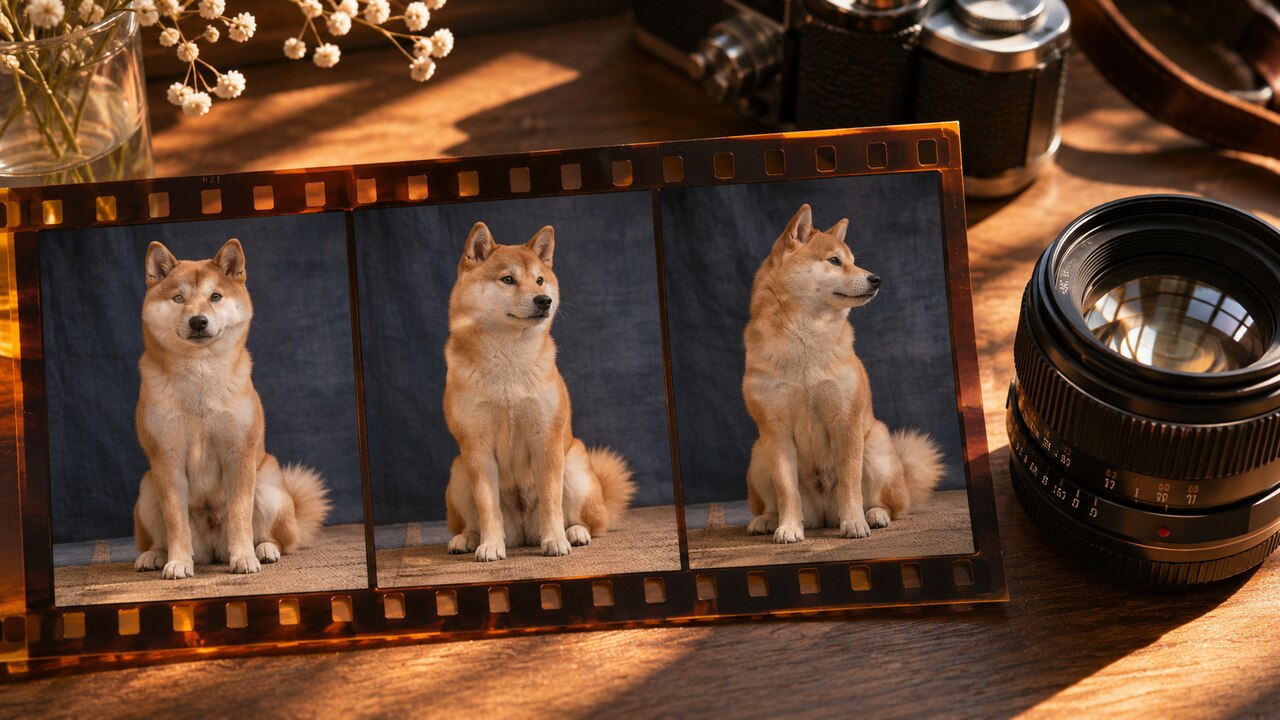
The companion feature is the end frame: supply a second image and the model builds a transition between the two — useful for before/after reveals or a deliberate change of angle. An end frame always needs a start frame.
The settings that matter for animals
Across image-to-video tools, the same handful of controls decide whether a pet clip looks natural:
- Motion amount. Every tool exposes it (motion strength, amplitude, or just implied by the prompt). For animals, low wins: a blink or an ear turn reads as filmed; a leap reads as generated. The twelve motion ideas are calibrated for exactly this.
- Duration. Five seconds is the natural unit for one motion idea; more time invites more drift.
- The prompt describes motion, not scene. The photo already declared the scene — your words should say what changes, and end with what must not.
- Start frame quality. Sharp, well-lit, and — a face-rule most pipelines share to some degree — wary of recognizable human faces. Ours rejects them outright; pet-only frames sail through.
Running the same job on PetAndMe
- Open the video generator and pick Seedance 2 Fast (drafts) or Seedance 2 (final renders).
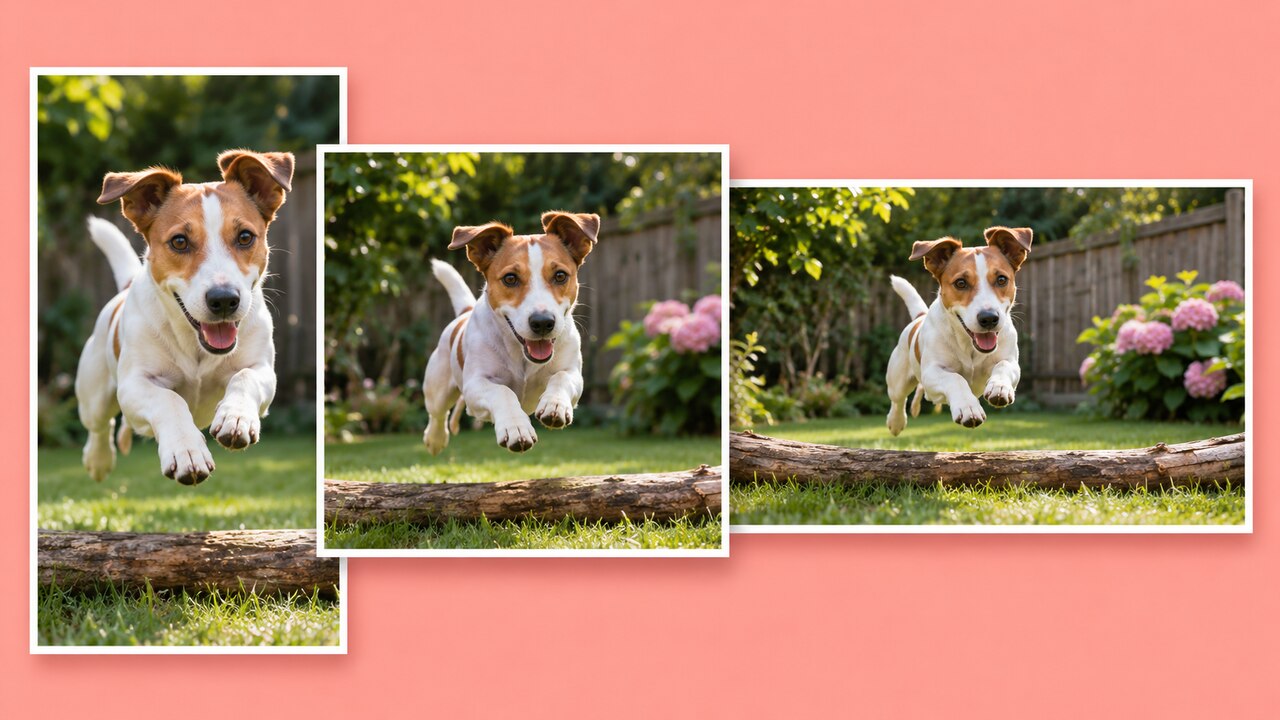
- Upload your pet photo as the start frame, in the ratio you'll publish — vertical for the feed, per the sizes guide.
- Write the motion prompt: one small motion, one atmosphere cue, one guardrail line.
- Check the per-second credit quote, run, and compare the first frame against your photo before spending on the final render.
One design rule to know: a request runs on frames or reference images, not both. Animating a specific photo means the start-frame path — the full image-to-video guide covers first/last-frame combinations in detail.
Frequently asked questions
Can I use Kling on PetAndMe?
No — Kling isn't available here. The registry lists it and the model guide tracks what's live; today that's the Seedance 2 family, all with start frames, end frames and native audio.
Is one image-to-video model better for pets than another?
Less than tutorials imply. The start frame and restrained motion do the heavy lifting; models mostly differ in duration, resolution and sound. A sharp photo with a blink beats an ambitious prompt on any engine.
What about sound — does Kling-style animation include it?
Depends on the tool. On PetAndMe's live models, native audio is generated with the picture and on by default — see the sound guide for writing what you want to hear.