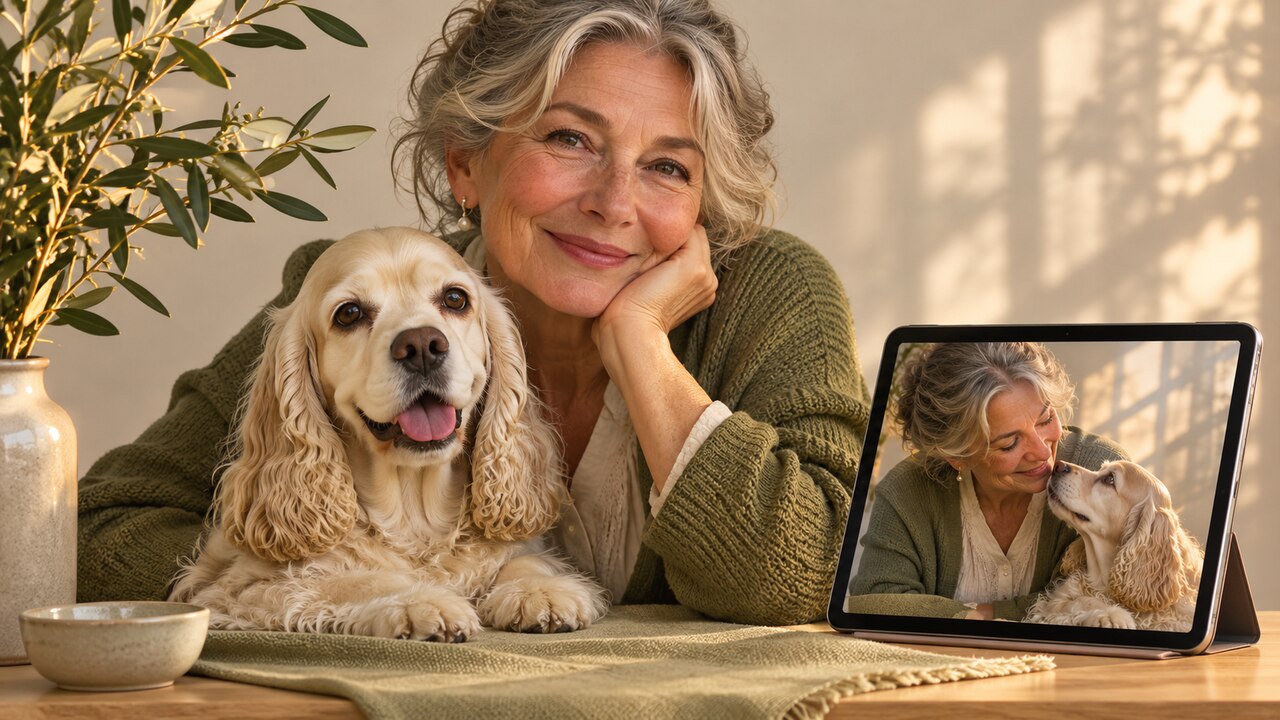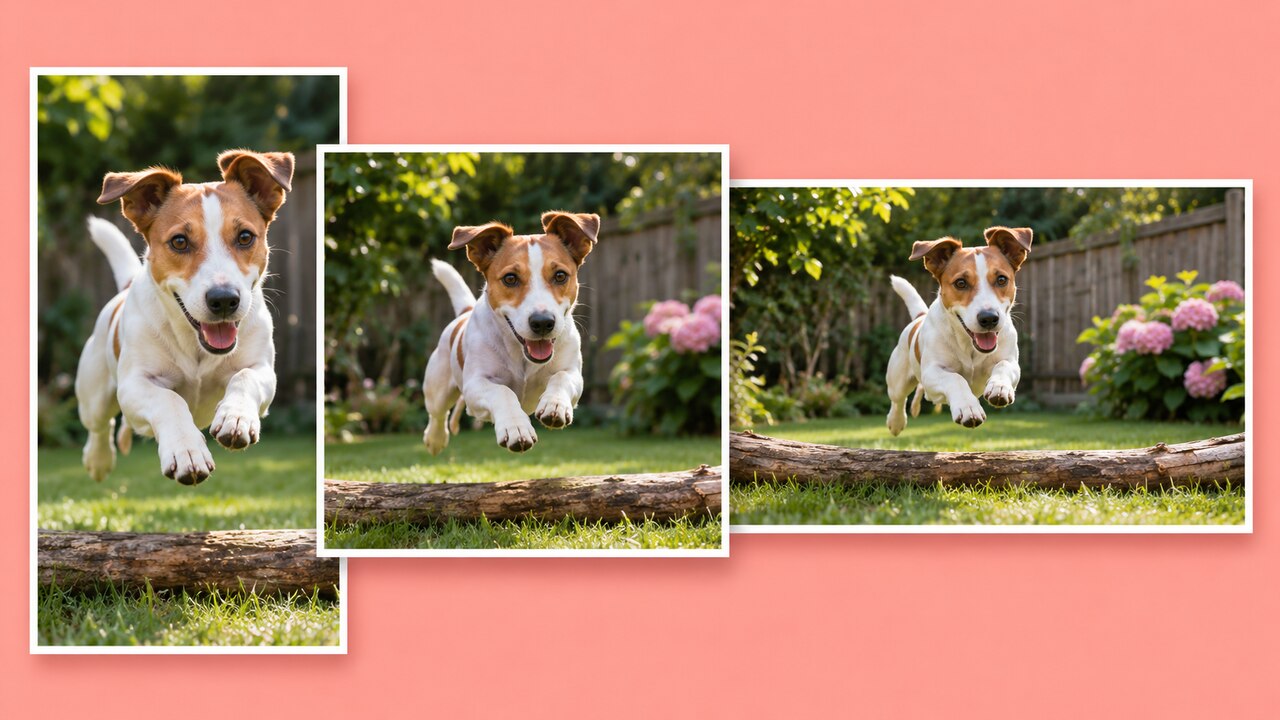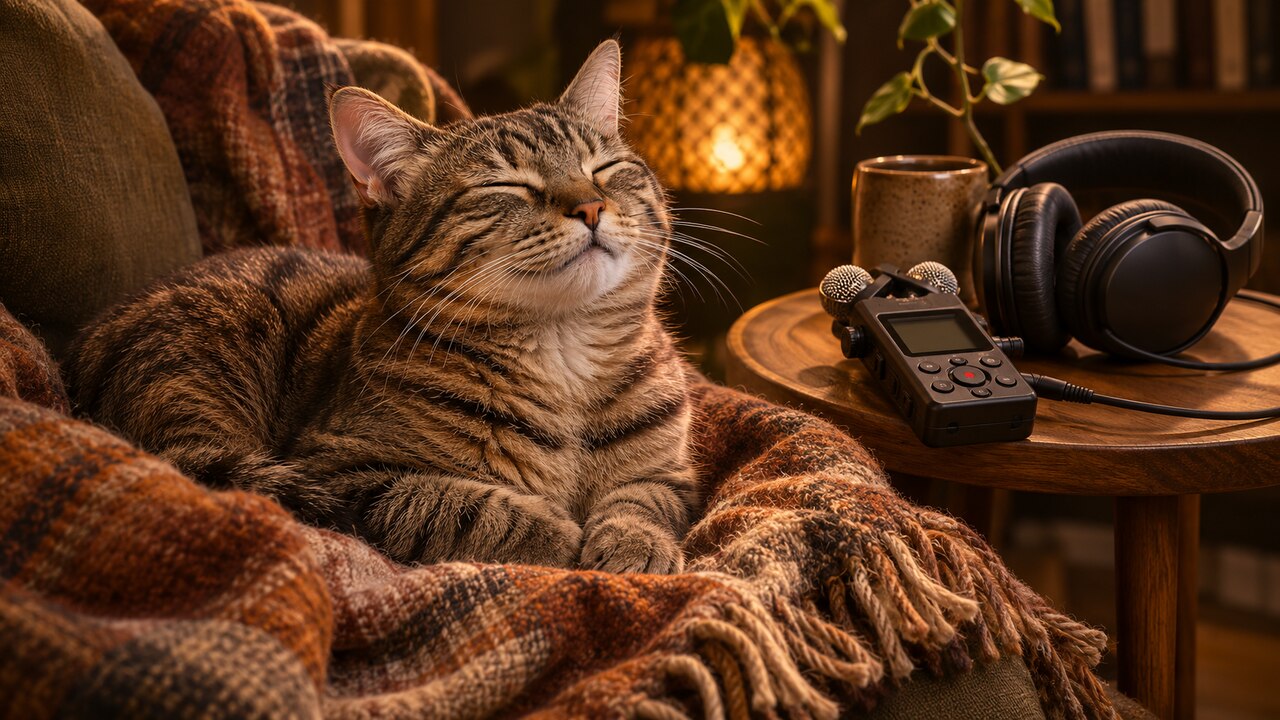
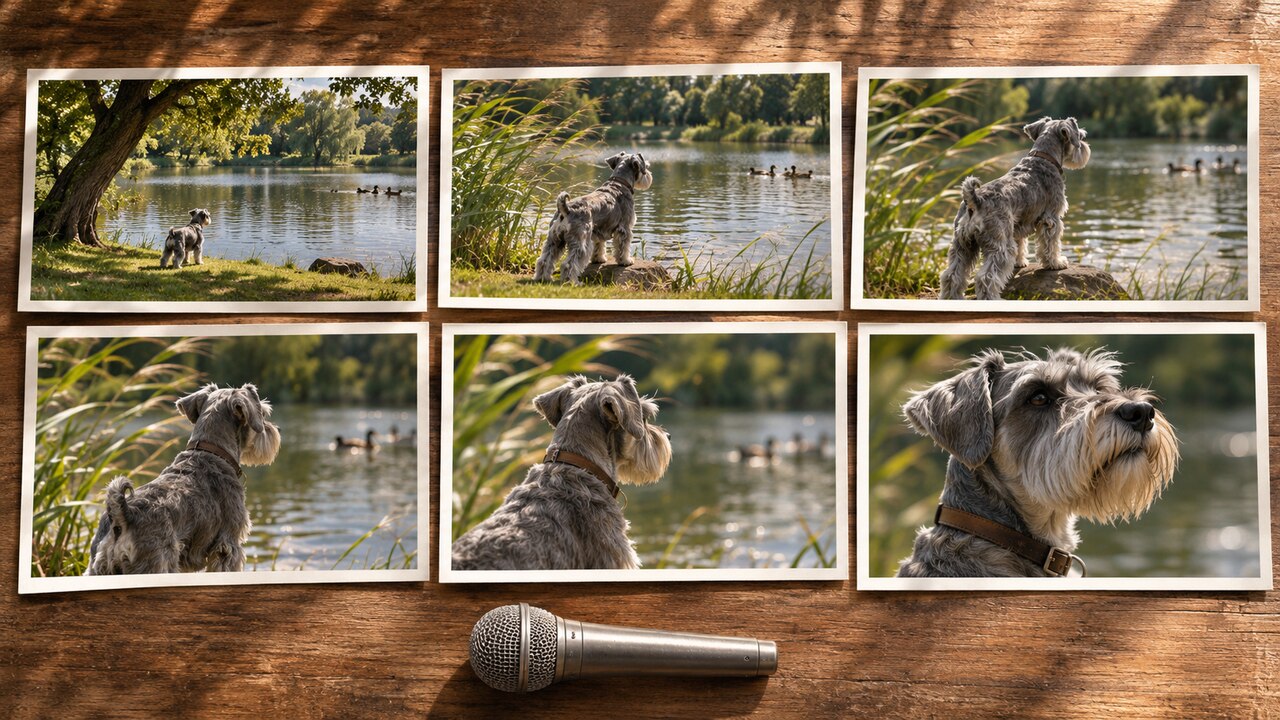
Ask the internet how to prompt a video model and half the answers describe a structured format that became famous through Veo: shot → subject → action → environment → audio → style. It's good advice — the structure works because it gives the model a place for every kind of information instead of one undifferentiated paragraph.
Here's that structure translated for pet clips, with the status note up front: Veo 3.1 is registered on PetAndMe but not yet generatable here — the live models are the Seedance 2 family. The format below runs on all of them, because it's a way of thinking, not a dialect.
The six slots, pet edition
- Shot: what the camera does. For photo-animation clips: "static camera" or "very slow push-in" — restraint is the rule (motion ideas).
- Subject: who's in frame, with identity anchors. "A golden retriever with a white blaze and front-paw socks."
- Action: the one thing that changes. "Blinks slowly, then tilts its head."
- Environment: where and when, briefly. The photo already supplies most of this — one line of weather or light is enough.
- Audio: what's heard, named specifically. "Quiet birdsong, a distant lawnmower, one soft woof." Native audio is on by default in the live models — sound guide.
- Style: look and mood. "Warm, natural, filmed on a phone" does more than any adjective stack.
Two worked examples
Photo-to-video, portrait start frame:
"Static camera. A black-and-white tuxedo cat with white socks on all four paws sits on a sunlit windowsill. It blinks once, then one ear turns toward a sound outside. Late-afternoon light, dust drifting in the sunbeam. Audio: soft indoor ambience, a single distant bird. Natural, warm, unposed."
With a small camera move:
"Very slow push-in. A corgi with a white chest and socks lies on a rug in a quiet living room, breathing gently, tail swaying once. Evening lamp light. Audio: faint room hum, a collar tag's soft jingle. Warm and calm."
Notice: each slot gets one sentence at most, and the action slot never holds two ideas. That discipline is the entire technique.
The two additions pet clips need
The Veo-style template was written for text-to-video. When you animate your own photo, add:
- A guardrail line at the end: "no cuts, no new objects; the markings and face stay unchanged." Cheap insurance against drift.
- Identity anchors in the subject slot even though the photo shows them — the prompt settles what the references steer. The markings guide explains the division of labor.
Run it
Take a worked example, swap in your pet's description and one motion, and run it in the video generator with your photo as the start frame. Draft at 720p, judge the motion, then render the keeper — the loop is described fully in the photo-to-video guide.
Frequently asked questions
Is this format only for Veo?
No — it's a thinking tool that any modern video model benefits from. Veo popularized the explicit ordering; the live Seedance 2 models respond to it just as well.
Do I need all six slots for a five-second clip?
Shot, subject and action are mandatory; environment is usually already in your photo; audio earns its line because native sound is on; style can be two words. Six slots, but four short sentences in practice.
When does Veo 3.1 arrive on PetAndMe?
It's registered with its capabilities (native audio with a reproducible seed) but not yet generatable — the live capability table is the page that updates when that changes.